Feature Guides
Learn how to use each feature of Woodbine

Dashboard
The dashboard is your command center. Here you can see your current bankroll, recent sessions, and quick statistics at a glance.
-
 View your total bankroll with percentage change
-
See recent session history with results
-
Quick access to start a new session
-
Top up or withdraw from your bankroll

Session Tracking
Track every gambling session with detailed information. See your complete history and analyze your performance over time.
-
Record game type, date, and duration
-
Track buy-in and cash out amounts
-
View session-by-session profit/loss
-
Filter sessions by game type or date

Statistics & Analytics
Get deep insights into your gambling patterns with comprehensive statistics and beautiful visualizations.
-
Overall win/loss statistics
-
Performance breakdown by game type
-
Trend analysis with charts
-
Session duration insights

Bankroll Management
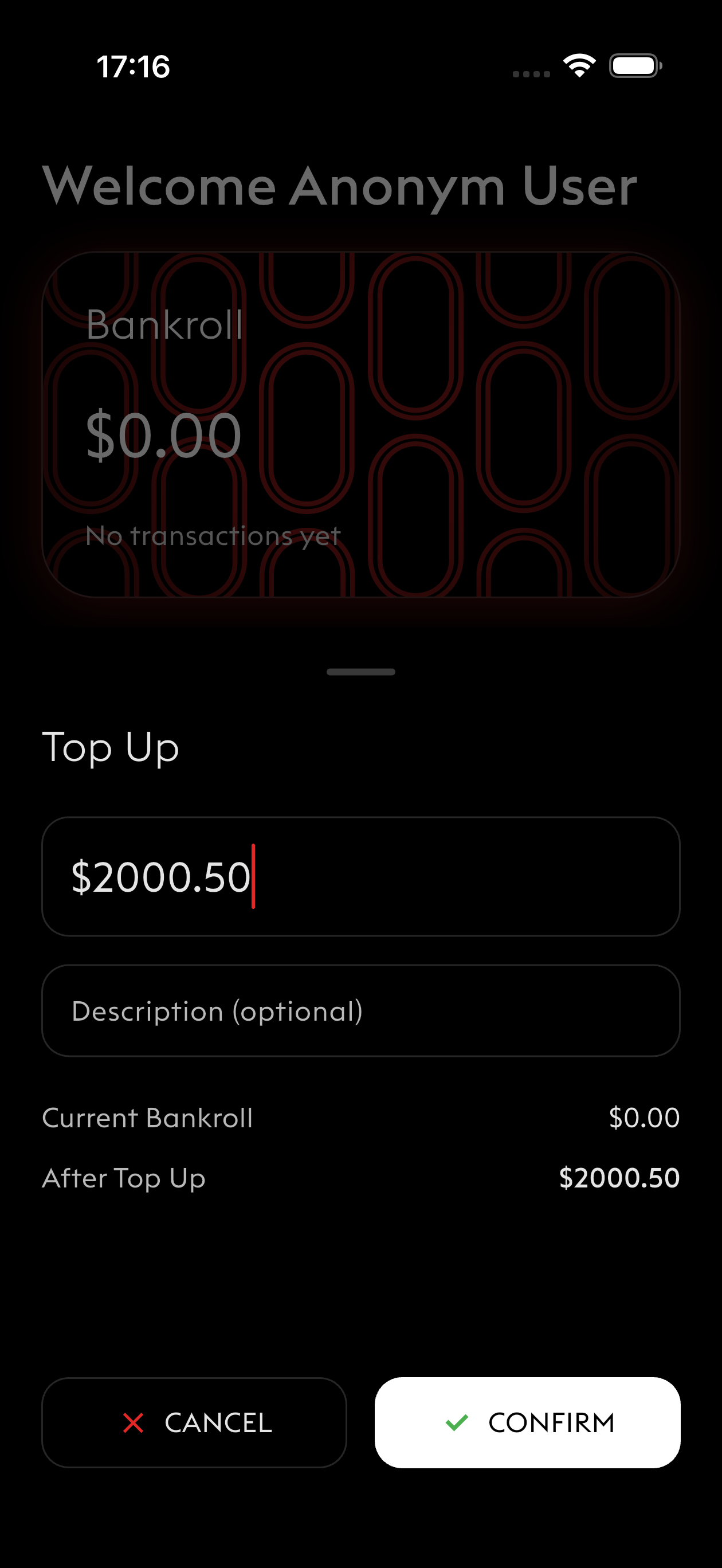
Keep your bankroll accurate with easy deposit and withdrawal tracking. Know exactly where you stand at all times.
-
Add funds with the top-up feature
-
Track withdrawals separately from session results
-
View complete transaction history
-
See true profit/loss separate from deposits